Gating Container Component
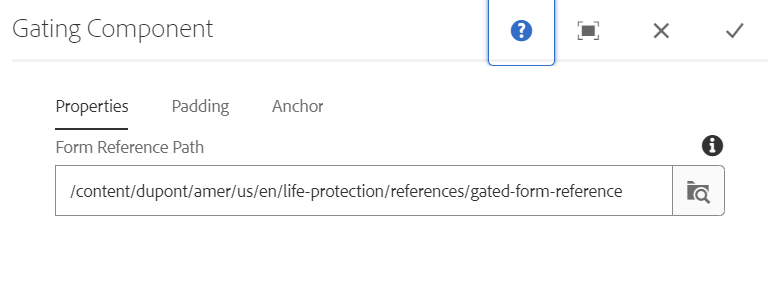
This component dialogue consists of 3 tabs: Properties, Padding, Anchor
Properties: There is only one field in this tab, which is the Form Reference Path, where we have to specify the path where the smart-form component is authored. Inside this gating container, we can author any required components.
There are two style options available for this component: the Blur option and the Model on Click option. We can use them based on the requirement.
1. Gating Container Component View
After authoring the component looks like below: